> For the complete documentation index, see [llms.txt](https://docs.flowstatecoders.com/llms.txt). Markdown versions of documentation pages are available by appending `.md` to page URLs; this page is available as [Markdown](https://docs.flowstatecoders.com/blog-product-spotlight/what-if-the-pop-ups-doesnt-work.md).
# What if the pop-ups doesn't work?
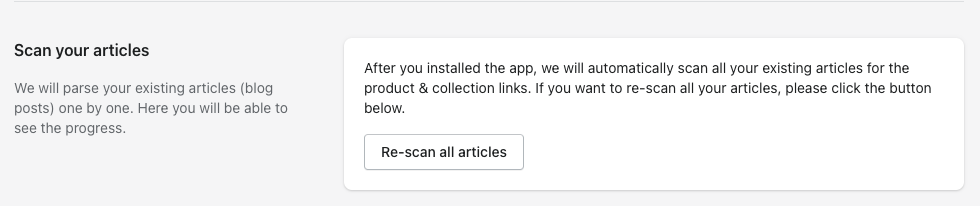
If the pop-ups doesn't work, it's handy to scan the articles again. This is done by clicking on 're-scan all articles' which can be found under settings. You must use this button if you have created a new article with product links or if you have modified an article.
Click Re-scan to rescan all articles
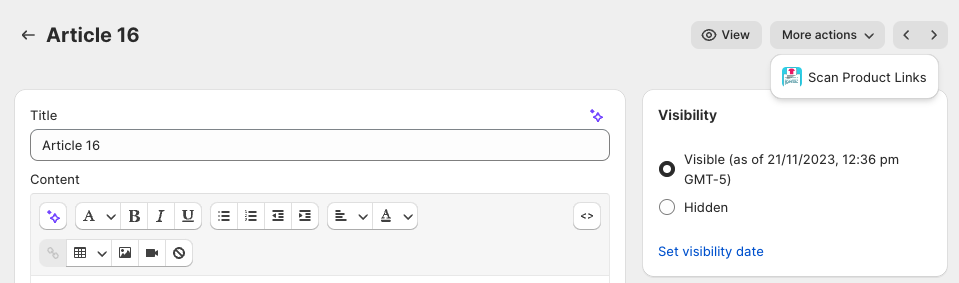
Alternatively, if you would like to scan a new article or an article that you have updated, in the article under "More actions", click "Scan Product Links".
Click "Scan Product Links" to quickly scan an article